Teams
Teams let you compose multiple specialized agents into a coordinated unit capable of tackling complex tasks that exceed any single agent's scope. Procurator supports multiple orchestration modes — Coordinator, Router, Active-Critic, and more — each with explicit member roles, DAG-constrained routing, and FinOps budget controls.
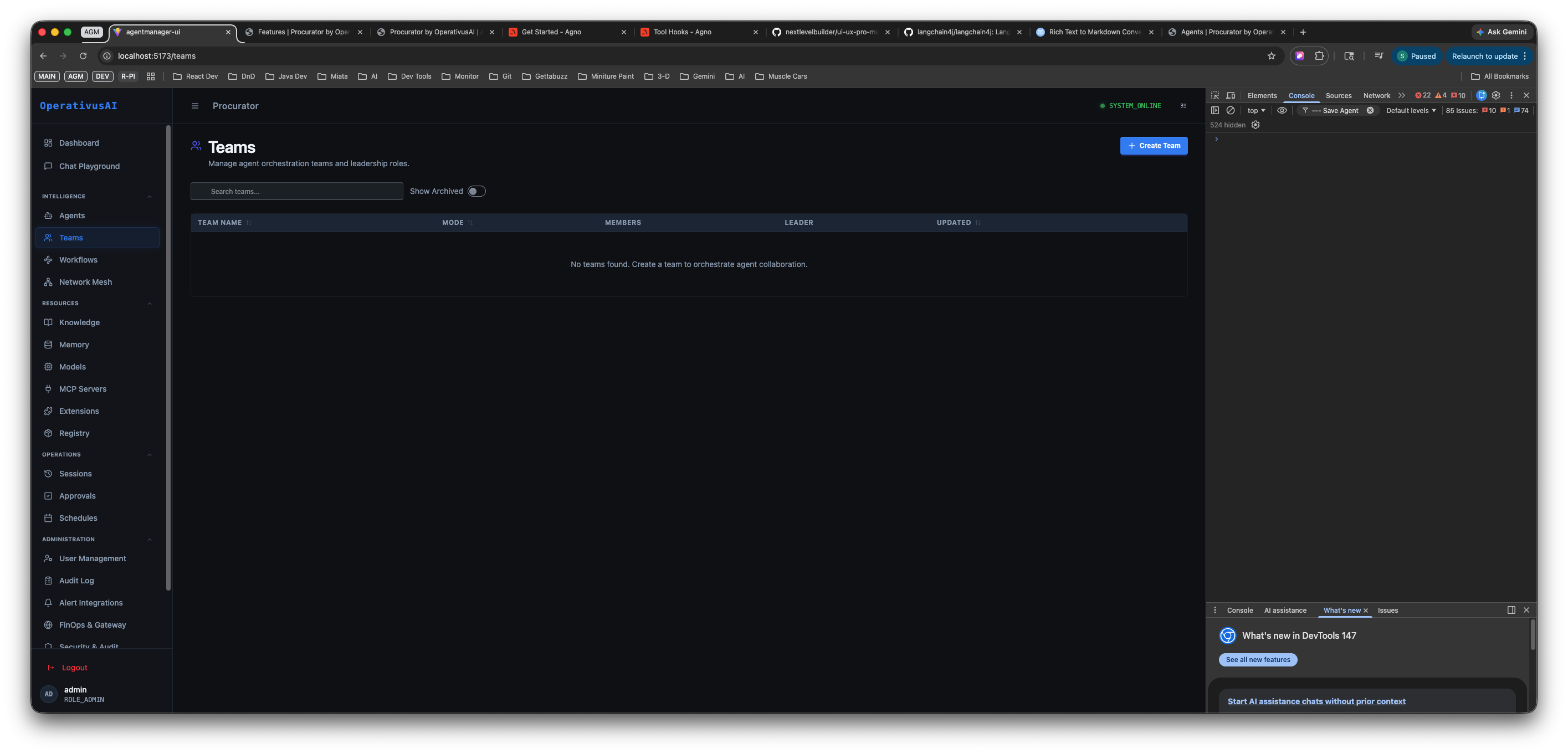
Teams Registry — manage agent orchestration teams, member rosters, and coordination strategies from a single table.
Orchestration Modes
Procurator supports several orchestration modes, each modelling a different collaboration pattern. The mode you choose determines how tasks flow between the loader agent and member agents.
Coordinator
A designated Coordinator agent receives the task, decomposes it into sub-tasks, delegates each to a specialist worker, collects results, and synthesizes a unified response. Best for complex research, multi-domain analysis, and report generation.
Router
A Router agent classifies the incoming request and forwards it to the single most appropriate worker. The router selects and delegates — it does not synthesize. Best for customer service triage, intent classification, and cost-efficient high-volume workloads.
Active-Critic
An iterative refinement loop — a Writer produces output, a Critic evaluates it, and the loop repeats until the Critic approves or a max iteration count is reached. Best for content production, code generation, and any task requiring quality validation before delivery.
Additional Modes
| Mode | Pattern | Best for |
|---|---|---|
| Task Force | Agents work in parallel on sub-tasks; results aggregated. | Time-sensitive multi-front research with independent workstreams. |
| Advisory Board | Multiple agents debate in rotation, each contributing a perspective before synthesis. | Decision support, risk analysis, strategic planning. |
| Project Manager | Coordinator with explicit milestone tracking — lead agent maintains a task list. | Long-horizon projects with defined deliverables and dependencies. |
| Executive Team | Hierarchical delegation — executive delegates to managers, who delegate to workers. | Complex enterprise workflows requiring tiered decomposition. |
Key Capabilities
Multi-Mode Orchestration
Six built-in coordination modes — Coordinator, Router, Active-Critic, Task Force, Advisory Board, and more — covering the full spectrum of multi-agent collaboration patterns.
Template Library
Nine pre-built team templates with pre-assigned roles, orchestration instructions, and recommended agent slot counts to get collaborative teams running in minutes.
Transition DAG Constraints
Define explicit directed routing edges between member agents. The engine enforces these constraints, rejecting any delegation path not defined in the DAG.
FinOps Budget Controls
Set per-member spend limits, daily collective caps, and maximum spending authority at the team level so group AI costs are independently governed.
Execution Tracing
Every sub-task delegation is recorded in the Sessions ledger with the full agent-to-agent message chain visible. Trace exactly which agent said what at each step.
Workflow & Schedule Integration
Embed a team as a single node inside a Workflow DAG or schedule it on a cron. Teams expose the same execution interface as individual agents.
Ready to build your first team?
Full setup guide — template picker, member roster, DAG constraints, FinOps budget configuration, and API reference — is in the developer documentation.
Read the Docs →